
RESERVATIONS
Wi-Fi, SIM & Mobile Rental in Pattaya
Stay connected from the day you arrive.
AT A GLANCE
- Equipment
- Mobile Wi-Fi routers and phones
- Rental period
- Matched to the length of your stay
- Rates
- Varies by device and period (please enquire)
- Pick-up and return
- Flexible, arranged to suit you
- Setup support
- Included
Information as of 25 Sept 2026
Who this service is for
- Your phone is SIM-locked or does not support eSIM
- You want one router to connect several devices for your family or travel companions
- You want to keep your Japanese number and add local data only
- You need a phone with a Thai number for booking restaurants or clinics and contacting drivers
- You are not confident with settings and want to be connected from the day you arrive
There are four usual ways to stay connected: a SIM, an eSIM, pocket Wi-Fi or a rental phone. We rent routers and phones. After hearing how you will use them, we may suggest a SIM or eSIM instead if that suits you better.
SIM, eSIM, pocket Wi-Fi and rental phone compared
Tourist SIM (airport or shop)
- Typical cost
- Around 299 to 1,199 THB (8 to 30 days)
- Best for
- One person with an unlocked phone
- Watch out for
- You swap the SIM card, and registration with your passport is required at purchase
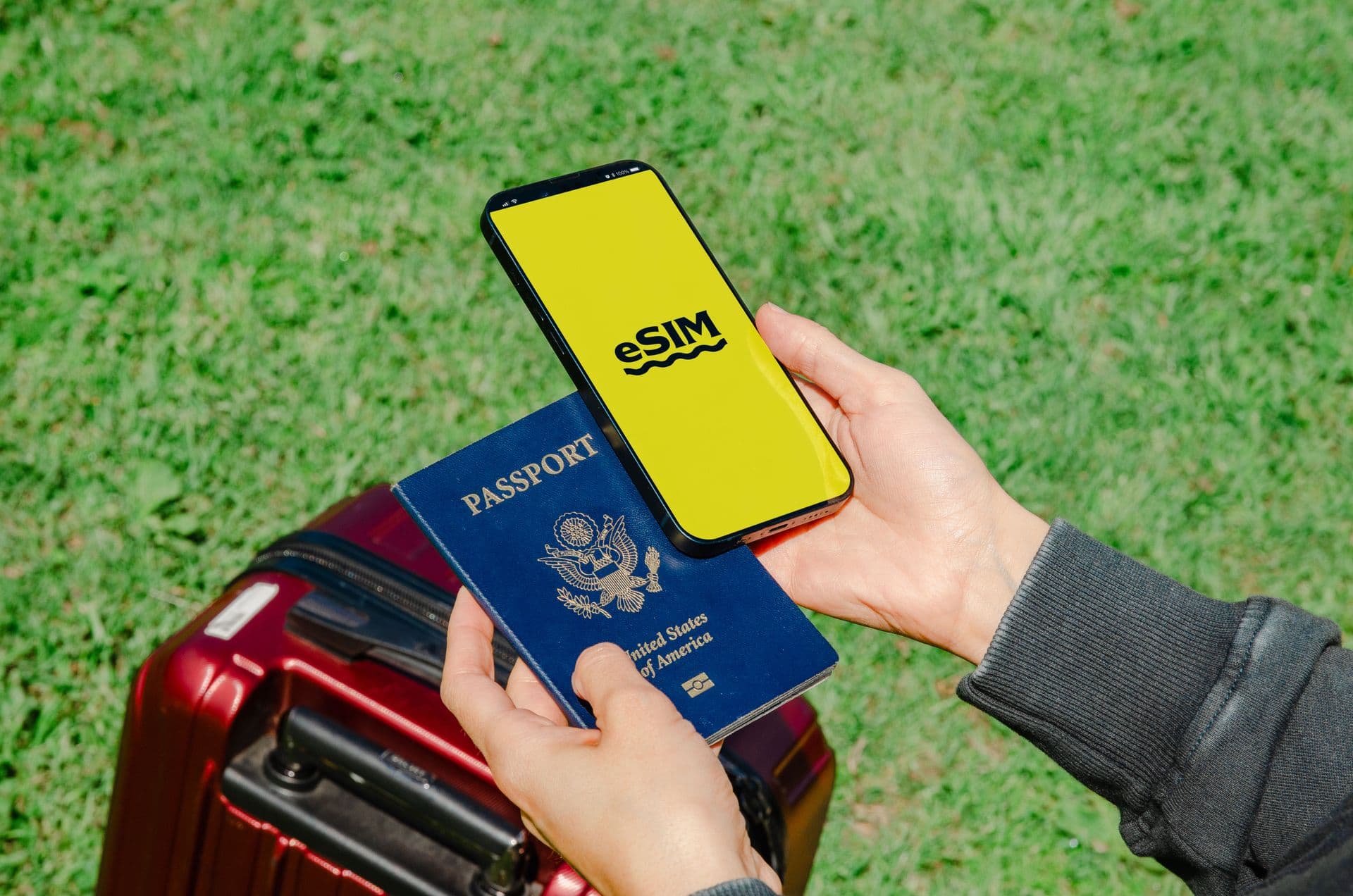
eSIM (bought online)
- Typical cost
- Varies by provider and plan
- Best for
- eSIM-compatible phones, set up before you fly
- Watch out for
- Check compatibility first. Some plans require real-name registration
Pocket Wi-Fi (our rental)
- Typical cost
- Depends on the period. Please enquire
- Best for
- Several devices or a family sharing, or SIM-locked phones
- Watch out for
- Needs charging and carrying; you lose signal away from the router
Rental phone (our rental)
- Typical cost
- Please enquire
- Best for
- Calling on a Thai number, or a spare handset
- Watch out for
- A second device to carry alongside your own phone
SIM prices are the usual range for tourist plans as of September 2026 and change with promotions and seasons. For a solo traveller with an unlocked phone, a SIM or eSIM is simplest. For a family sharing one connection, or for connecting a laptop for work, a router is a better fit.
Thailand's main carriers and buying at the airport
- AIS: the largest carrier, with a reputation for good coverage on islands and in rural areas as well as cities
- True (TrueMove H): merged with dtac in 2023 and has been integrating the two networks. Reliable in cities such as Pattaya
- dtac: now part of the True group and still selling tourist plans
All three have counters in the arrivals halls at Suvarnabhumi and Don Mueang. You register with your passport when you buy, and at busy times you may queue for 10 to 30 minutes. Late-night flights can also land into long queues. Counter staff usually swap the SIM and check that it works, so put the Japanese SIM they remove in a small pouch and keep it safe until you fly home.
Since August 2025, new SIM registrations require identity checks by facial recognition. Reports as of September 2026 say foreigners are generally limited to three numbers per carrier, and tourist SIMs are generally valid for 60 days.
If you need to call a driver or contact family as soon as you land, set up an eSIM before you fly or collect one of our routers so you can skip the airport queue. If you are also booking our airport transfer, ask us about handing over the device then.
How much data you need
Here is a rough guide to data use. It varies widely with video quality and app settings.
| Use | Typical data |
|---|---|
| LINE messages and stickers | A few KB to a dozen or so KB each |
| LINE voice calls | About 20 MB per hour |
| Video calls on LINE and similar apps | Around 0.3 to 1 GB per hour, depending on quality |
| Video at 480p (standard) | About 0.5 GB per hour |
| Video at 720p (HD) | About 1 GB per hour |
If you mostly use maps, ride-hailing apps and messaging, about 1 GB a day is often enough. By saving video for hotel Wi-Fi, many visitors fit a week of sightseeing into a 10 to 15 GB plan. If you join video meetings for work or tether a laptop, we recommend an unlimited plan or a router.
What we do and what you need to do
What we do
- Ask about your length of stay and usage, then suggest a router, a phone, or a SIM or eSIM
- When you collect the device, we check the connection with you and explain how to use it
- If you cannot connect, message us on LINE and we will walk you through the checks
What you need to do
- Tell us the date, time and place for pick-up and return
- Keep the device charged and look after it so it is not lost
- Return it by the agreed date. If your stay is extended, let us know early
If your phone still has its Japanese SIM, turn off data roaming or you may receive a large bill from your Japanese carrier. On days you use a router or a Thai SIM, check your mobile data and roaming settings.
Things to know and common mistakes
- A SIM bought at the airport does not work: a SIM-locked phone cannot use a Thai SIM. Check your unlock status with your Japanese carrier before you travel
- The eSIM QR code will not scan: a phone cannot scan a QR code shown on its own screen. Display it on another device or print it for a quick setup
- The connection suddenly stops: tourist SIMs and eSIMs stop when either the days or the data run out. Note the expiry and allowance when you buy, and top up if needed
- Bank or payment app codes do not arrive: verification codes often go to your Japanese number, so keeping your Japanese SIM in place helps avoid getting stuck
- The router runs out of battery: on full days out, carrying a power bank is a good idea
If you are unsure which to choose, tell us your length of stay, how many people are travelling, your phone model and whether you need it for work. We will suggest a router, a phone, or a SIM or eSIM on that basis.
HOW IT WORKS
How it works
Choose your device
Tell us your dates and whether you need a router or a phone via the form.
Arrange hand-over
We agree the pick-up and return arrangements and prepare your device.
Start using it
Connected from the day you arrive, with help on setup if needed.
FAQ
Questions about this service
Q01Where do I collect the device?
Pick-up and return arrangements are flexible. We agree what suits you when you book and confirm the details.
Q02I am not confident setting up devices.
We help with setup, so there is no need to worry. Questions about using the device are welcome at any time.
Q03Can the rental period change if my stay is extended?
Rental periods are matched to your stay, so please get in touch as soon as your plans change and we will discuss the options.
Q04I do not know whether my phone supports eSIM or is unlocked.
Check whether your settings include an option such as Add eSIM, and whether the phone is SIM-unlocked. If you are unsure, tell us the model and we will suggest whether a router or a SIM is the safer choice.
Q05Can I use a tourist SIM for a long stay?
Tourist SIMs are reported to be generally valid for 60 days, with a fresh identity check needed to keep using them beyond that (as of September 2026). If you are staying for several months, consider switching to a standard prepaid or monthly plan.
Q06Can I keep using my Japanese number?
Yes, if you keep your Japanese SIM in and use an eSIM or router for data. Receiving calls or SMS on your Japanese number in Thailand may require international roaming to be set up with your carrier, and charges can apply.
Q07How many devices can connect to one router?
It depends on the model. Tell us how many people and devices, and whether you will connect a laptop, when you book, and we will prepare a suitable router.
READY TO BOOK
Wi-Fi & Mobile Rental
Ask us about anything you read above. Book through the form, or message us on LINE for quick questions.